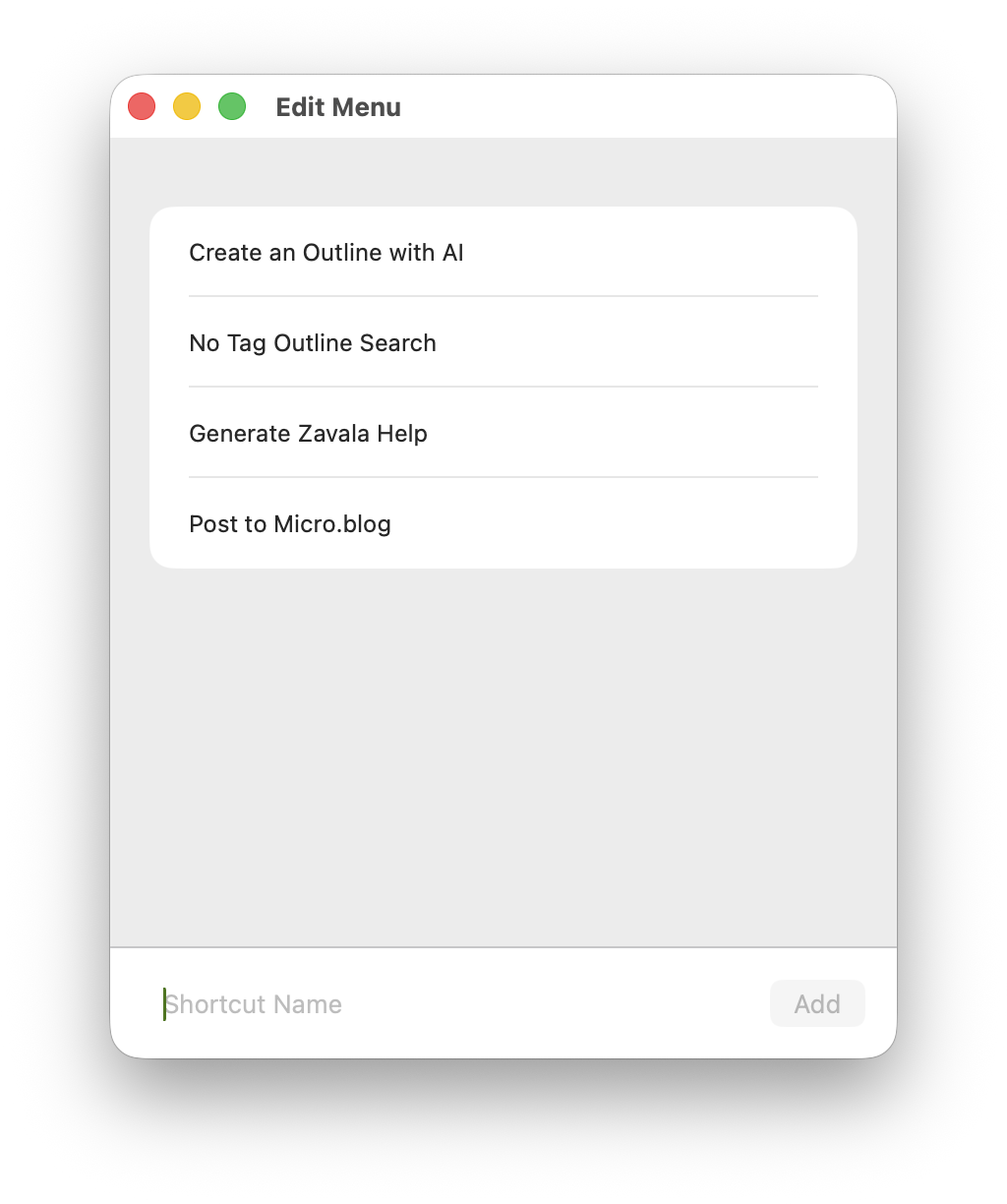
The Shortcuts menu can be used to launch a Shortcut you have created or downloaded in the Shortcuts app. All you need to do is enable it in Settings and then add some Shortcuts to the Shortcuts menu.
You can find the Shortcut menu in the main menu at the top of the screen on macOS. On iOS you can find it in the More menu in the Editor view.
Shortcuts Edit Menu
Run a Shortcut
Now all you need to do is click the Shortcut in the menu. The Shortcuts app will open and run the Shortcut. When the Shortcut is done running, the Shortcuts app will return control to Zavala.